
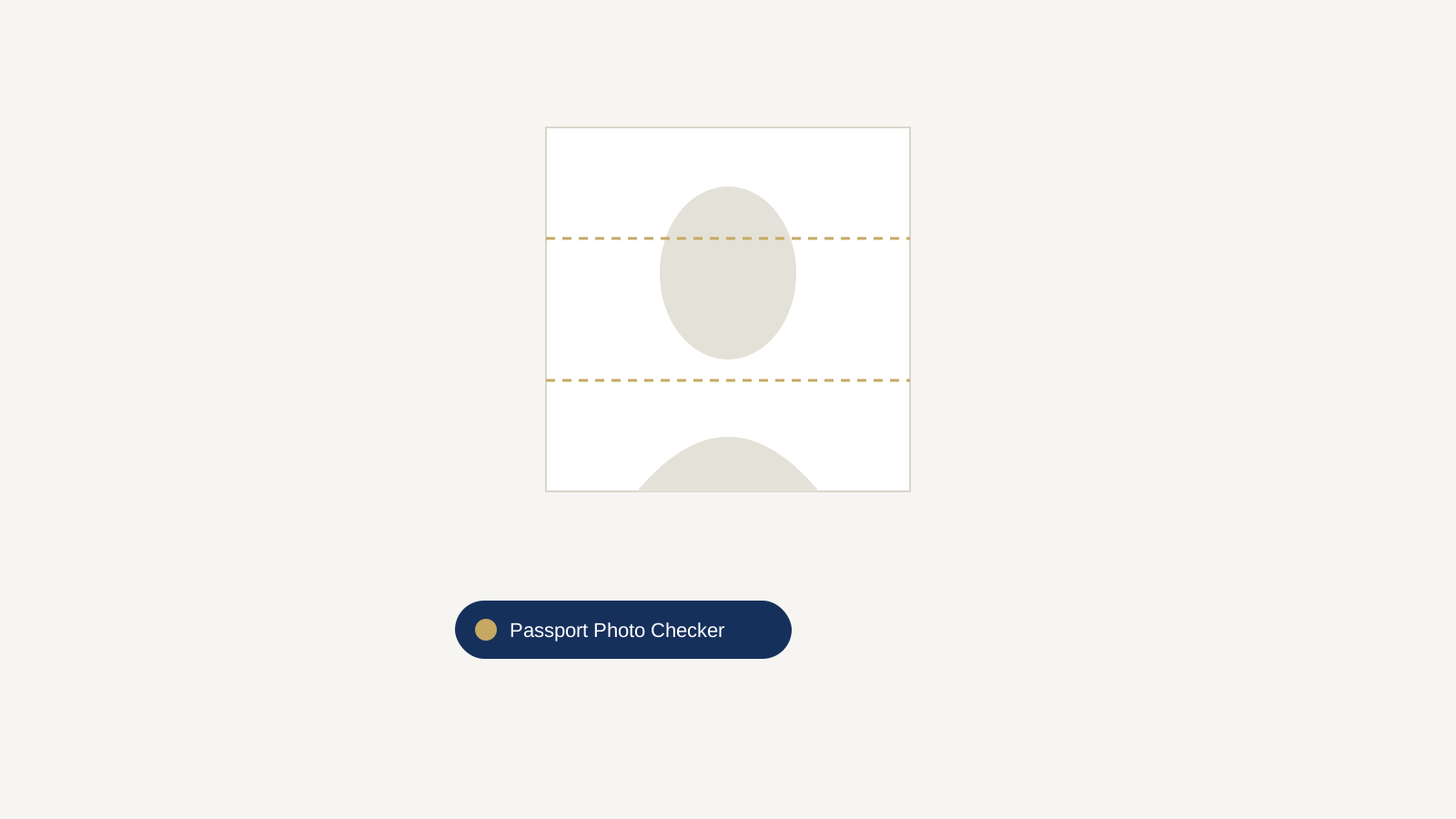
Gold dashed lines show the required head-height zone (chin to crown must fall between them).
Upload a photo to check it against the required 2 x 2 inch passport photo size and head-height guide. Your face height u2014 measured from chin to crown u2014 needs to fall between the two gold guide lines. Once it looks right, download a properly cropped 600 x 600 pixel square, ready for printing or digital upload.
Nothing is uploaded to a server u2014 your photo is processed entirely in your browser and never leaves your device.
How to Use This Tool
- Take your photo against a plain white background u2014 see our guide to taking a passport photo at home if you haven’t yet.
- Upload it here using the file picker above.
- Check that your chin sits near the bottom guide line and the top of your head sits near the top guide line.
- Download the cropped, correctly sized square image.
If your background isn’t a clean, uniform white, use our free background remover before uploading here. For the complete list of size, expression, and background rules, see our full US passport photo requirements guide.
Quick Answers
- Passport photo size: 2 x 2 inches (51 x 51 mm), printed.
- Digital upload size: minimum 600 x 600 pixels, maximum 1,200 x 1,200 pixels.
- File size for online renewal: roughly 54 KB to 10 MB.
- Head height: 1 to 1 3/8 inches (25u201335 mm), measured from the bottom of the chin to the top of the head.
- Accepted digital formats: JPG, JPEG, PNG, HEIC, or HEIF.
- Photo age limit: must be taken within the last 6 months.
Frequently Asked Questions
What is the exact pixel size for a digital passport photo?
Digital passport photos need to be between 600 x 600 pixels and 1,200 x 1,200 pixels. This tool exports a 600 x 600 pixel square, which meets the minimum requirement.
What DPI should a passport photo be for printing?
For a sharp 2 x 2 inch print, aim for at least 300 DPI, which works out to a minimum of 600 x 600 pixels at that size u2014 the same resolution this tool exports.
Can I use this tool for a visa photo instead of a passport photo?
Many visa photos share the same 2 x 2 inch, plain white background standard as US passport photos, but requirements vary by country. Always confirm the exact size and background rules for the specific visa you’re applying for before submitting.
What file format does the download use?
The tool downloads a PNG file, which is accepted for online passport renewal alongside JPG, JPEG, HEIC, and HEIF formats.
Is my photo uploaded to a server when I use this tool?
No. The cropping and preview happen entirely in your browser using JavaScript. Your photo is never sent to, or stored on, any server.
What if my head doesn’t fit between the guide lines?
Retake the photo standing slightly closer to or farther from the camera until your chin and the top of your head roughly align with the two gold guide lines, which mark the required head-height range.
Can I use this for a baby’s or infant’s passport photo?
Yes, the same 2 x 2 inch size applies to infants. Lay the baby on a plain white sheet, photograph from directly above, then upload and crop here the same way.