

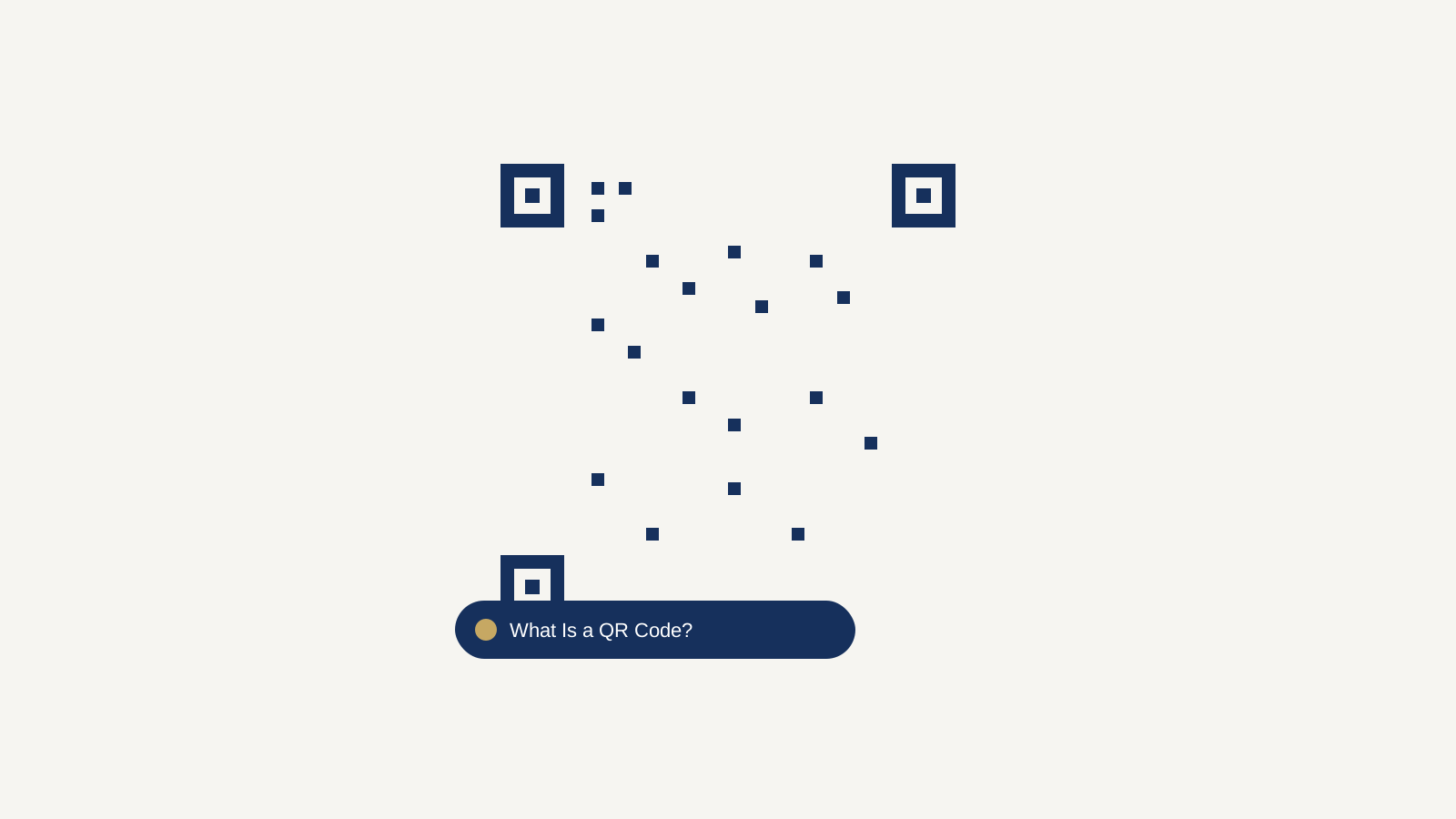
You’ve probably scanned a dozen QR codes this month without thinking twice u2014 a restaurant menu, a poster, a payment screen. They’re everywhere now, but most people couldn’t explain how they actually work. Here’s a plain breakdown of what a QR code is, how it stores information, and when it’s worth using one.
What Is a QR Code?
QR stands for “Quick Response.” It’s a two-dimensional barcode that stores information in a grid of black and white squares instead of the single row of lines a traditional barcode uses. That grid structure is what lets a QR code hold far more data u2014 a full website address, a Wi-Fi password, or several paragraphs of text u2014 in a small, scannable square.
How a QR Code Actually Works
When you point a camera at a QR code, the scanning software reads the pattern of squares and converts it back into the original data u2014 a URL, text, or contact details. Three larger squares in three of the four corners help the scanner figure out the code’s orientation, so it reads correctly even if your phone is tilted or upside down.
QR codes also include built-in error correction. That means a code can still scan successfully even if part of it is scratched, covered by a logo, or poorly printed u2014 depending on the error correction level used, a code can lose up to roughly 30% of its pattern and still work.
What Can a QR Code Actually Store?
- A website URL u2014 the most common use, opening a link directly in the phone’s browser.
- Wi-Fi credentials u2014 network name and password, so a guest connects without typing anything.
- Plain text u2014 a message, instructions, or a short note.
- Contact details u2014 a name, phone number, and email in a format phones can save directly.
- A phone number or email address u2014 opens the dialer or email app pre-filled.
QR Code vs. Barcode: What’s the Real Difference?
A traditional barcode stores data in one direction, as a series of vertical lines, which limits it to a fairly small amount of information u2014 usually just a product number that a system looks up in a database. A QR code stores data in two directions across a grid, which is what lets it hold dramatically more information directly in the code itself, without needing to look anything up externally.
Static vs. Dynamic QR Codes
A static QR code has its destination baked directly into the pattern u2014 once it’s printed, it can’t be changed. A dynamic QR code instead points to a short redirect link that you can update later, usually through a paid service, which also lets you track how many times it’s been scanned. For most everyday uses u2014 a menu, a Wi-Fi code, a business card u2014 a free static code is all you need.
Create Your Own QR Code
You can generate a static QR code for a link, text, or Wi-Fi details with our free QR code generator u2014 it works entirely in your browser, so nothing you type is uploaded anywhere, and there’s no signup or watermark.
Frequently Asked Questions
Do QR codes expire?
Static QR codes don’t expire u2014 they work for as long as the link or data behind them stays valid. Dynamic QR codes can expire if the service managing the redirect is discontinued or a subscription lapses.
Do I need an app to scan a QR code?
No. Since around 2017, most smartphone camera apps can scan QR codes natively u2014 just point the camera and a notification or link preview appears.
Are QR codes safe to scan?
A QR code itself is just a container for data u2014 it’s only as safe as the link or content it points to. It’s worth checking the URL preview before tapping through, the same way you’d check a link in an email.
How much data can a QR code hold?
A standard QR code can hold up to around 4,296 alphanumeric characters, though most practical uses u2014 a URL, a short message u2014 use a small fraction of that capacity.