
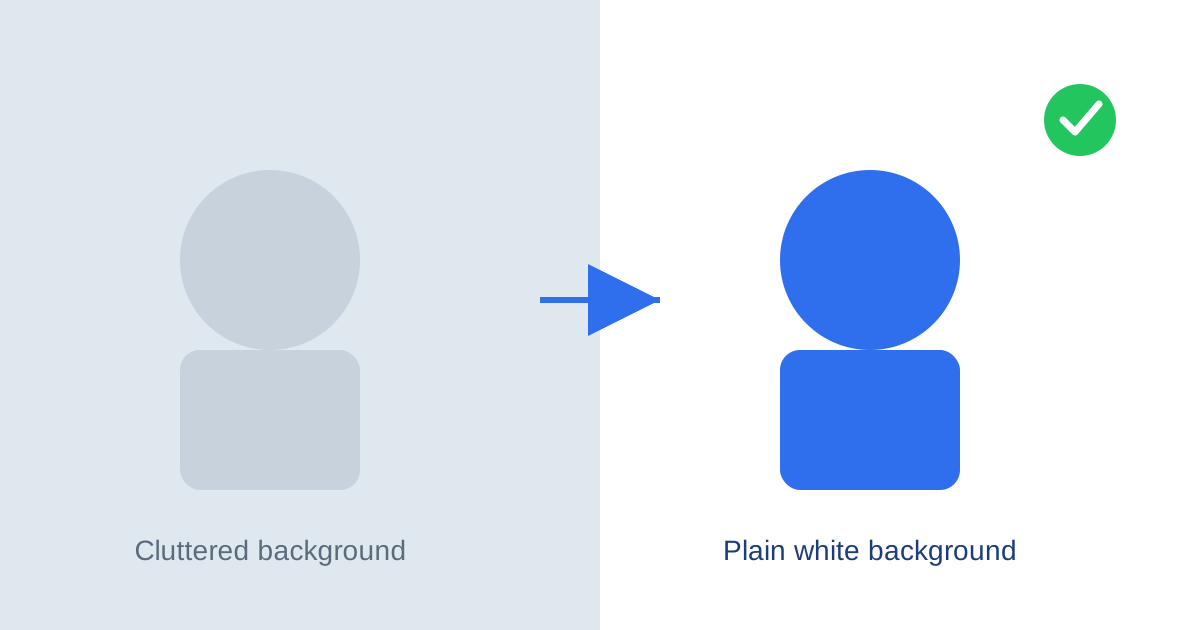
Passport and visa photo rules are stricter than most people expect. Almost every country requires a plain white or off-white background, with no shadows, patterns, or texture behind you — and a photo that fails this single requirement is one of the most common reasons applications get sent back. The good news: you don’t need a studio or photo-editing software to fix it. You can do it for free, in your browser, in under a minute.
Why Passport Photos Need a Plain Background
Passport and visa photo systems are processed partly by automated facial-recognition software, and partly by human reviewers. A cluttered or shadowed background makes it harder for both to isolate your face and check it against the required proportions. That’s why the U.S. State Department, the UK’s HM Passport Office, and most other national passport authorities specify a plain white or light grey background with even lighting and no shadows.
If your photo was taken at home, in an office, or anywhere with a wall that isn’t perfectly plain, there’s a good chance it’ll be rejected — even if the framing and lighting on your face are otherwise fine.
How to Fix It for Free
Instead of paying for passport photo software or a print shop, you can remove and replace the background yourself using our free background remover. Here’s the process:
- Take your photo against any background, following the basic passport photo rules: face the camera directly, keep a neutral expression, and make sure the photo is well-lit with no harsh shadows on your face.
- Upload the photo to our free background remover tool.
- The tool automatically detects the edges of your face and shoulders and strips out everything behind you, leaving a transparent PNG.
- Download the transparent image, then place it over a plain white background (most basic photo or slideshow apps let you do this by adding a white rectangle behind the transparent layer).
- Check your country’s exact photo size and head-position requirements before submitting — background is only one of several rules.
What to Check Before You Submit
A clean background fixes the most common rejection reason, but it’s not the only requirement. Before submitting, double-check:
- Head size and position — most countries require your head to take up a specific percentage of the frame, measured from chin to crown.
- Expression — a neutral expression with both eyes open and mouth closed is the standard requirement almost everywhere.
- Glasses and head coverings — many countries no longer allow glasses in passport photos at all, with religious head coverings as the main exception.
- Image size and file format — requirements vary by country, so check your passport office’s official specifications before printing or uploading.
Fixing the background yourself takes a couple of minutes and costs nothing — far faster than a second trip to a photo booth or print shop. If you’re also working with an old or damaged photo, our free photo colorizer can help bring faded or black-and-white images back to life.