
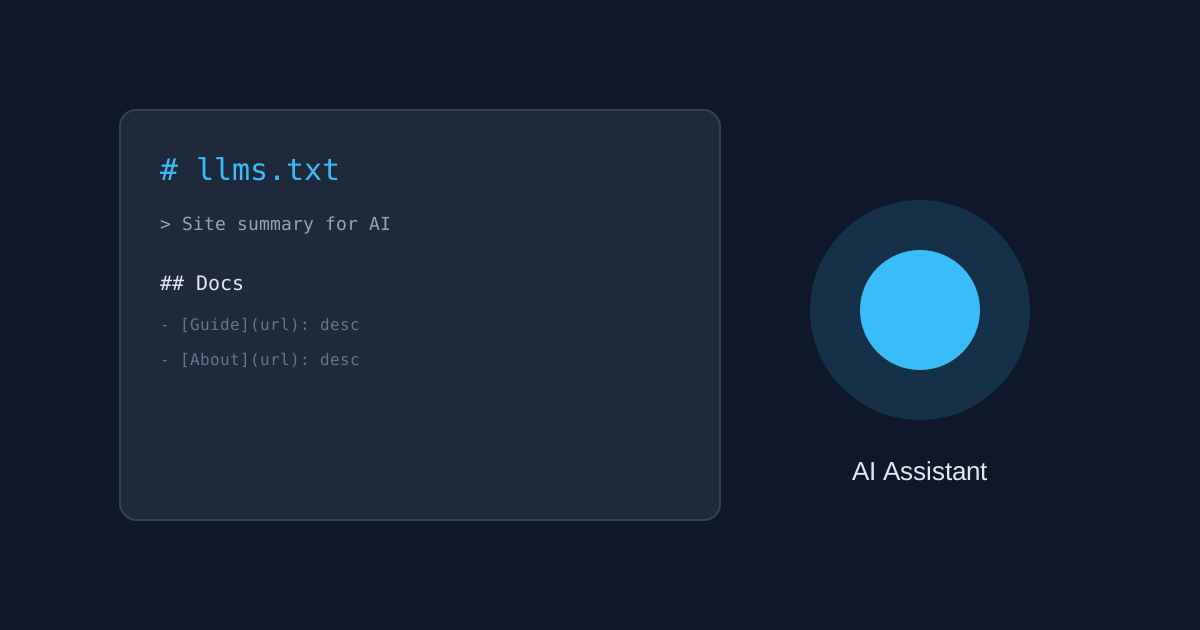
AI assistants like ChatGPT, Claude, and Perplexity are increasingly answering questions by reading websites directly instead of just crawling them the way Google’s search bot does. The problem is that most AI tools have limited ability to parse a full HTML page bloated with navigation menus, ads, and JavaScript. That’s where llms.txt comes in — a simple, emerging standard that gives AI systems a clean, direct summary of what your site actually contains.
What Is an llms.txt File?
An llms.txt file is a plain-text Markdown file placed at the root of your domain (yoursite.com/llms.txt), similar to how robots.txt or sitemap.xml work. Instead of instructing search crawlers, it gives large language models a structured, readable overview of your site: what it is, what its most important pages are, and where to find them.
Think of it as a one-page briefing document written specifically for an AI reader rather than a human visitor.
Why It Matters for Your Site
As more people ask AI assistants questions instead of typing them into Google, being cited or referenced by those assistants is becoming its own visibility channel — sometimes called AEO (answer engine optimization) or GEO (generative engine optimization). A clear llms.txt file makes it easier for an AI system to understand your site accurately and represent it correctly when a user asks a related question.
It won’t replace good SEO fundamentals, but it’s a low-effort addition that costs nothing and takes a reasonably organized site under an hour to create.
The Basic Format
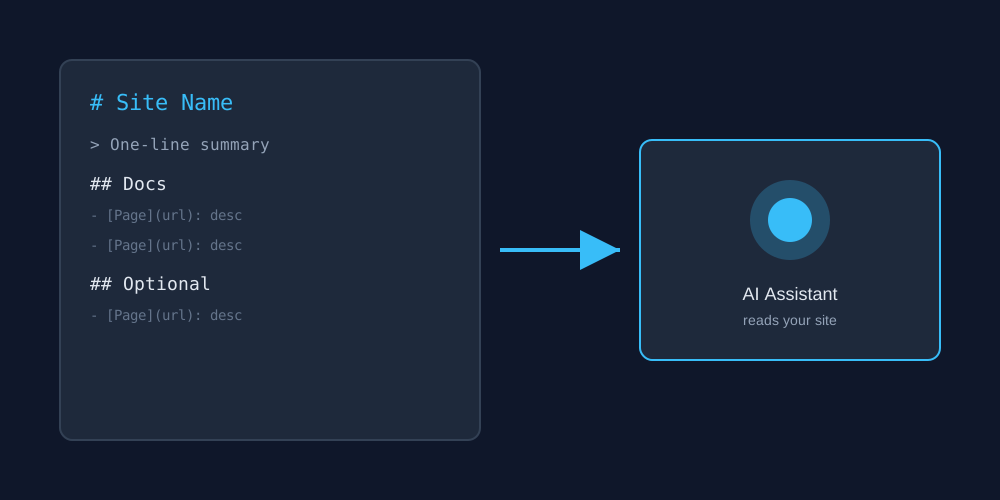
The llms.txt convention (proposed by Jeremy Howard) uses simple Markdown structure:
- An H1 with your site or project name
- A short blockquote summarizing what the site is in one or two sentences
- One or more H2 sections (like “Docs” or “Guides”) listing links in the format
[Page Title](url): short description - An optional “Optional” section for secondary pages that matter less
How to Create One for Your Site
- List your most important pages — the ones you’d want an AI to know about first if it could only read one document.
- Write a one-sentence description for each, focused on what the page actually covers.
- Group them under clear headings (Docs, Guides, Blog, About, etc.).
- Save the file as plain text named exactly
llms.txt. - Upload it to your site’s root directory so it’s reachable at yoursite.com/llms.txt.
A Few Things to Keep in Mind
llms.txt is still an emerging, informal convention — not an official web standard, and not every AI system reads it yet. Treat it as a low-cost, forward-looking addition rather than a guaranteed traffic driver. It works best alongside solid, genuinely useful content; it can’t make thin or low-quality pages perform better, since AI systems still favor accurate, well-written source material over sites that merely announce themselves.